7 Tools to Check a YouTube Creator's Real Views Before You Sponsor Them
By Aditi, Co-Founder of OutlierKit · Guest post · 8 min read
The best way to check a YouTube creator before you sponsor them is to look at their median views and their breakout videos, not their subscriber count. OutlierKit shows which of a channel's videos broke out and how far. Social Blade and Viewstats show view history over time. vidIQ adds outlier scores inside YouTube. HypeAuditor, Modash and NoxInfluencer add audience quality and demographics. Use two or three of them together and you will know what a sponsored video is likely to get before you pay for it.
Why subscriber counts mislead sponsors
A subscriber count tells you how many people clicked Subscribe at some point, maybe years ago. It does not tell you how many people watch a new video today. A channel with 200,000 subscribers can get 3,000 views a video if its audience moved on. A channel with 8,000 subscribers can get 20,000 views a video if its topics are in demand right now.
You pay for the people who see your brand. So the number that matters is how many views a normal new video gets.
The two numbers to check
Median views. Take the creator's last 10 to 15 long-form videos. Sort the view counts and pick the middle one. That is the median. It is a better guide than the average, because one viral video can pull the average far above what a typical upload gets. Use the median to set your expected views, and to judge the price. A creator who asks $300 and gets a median of 6,000 views costs you $50 per 1,000 views.
Breakout videos. A breakout, or outlier, is a video that got far more views than the channel usually gets. If a channel's median is 5,000 and one video hit 40,000, that video is an 8x outlier. Breakouts tell you two things. First, they show which topics this creator's audience cares about most, so you can sponsor a video on a similar topic. Second, YouTube does not push a video to many times a channel's usual views on clicks alone. People clicked it and kept watching. A creator with a few recent breakouts knows how to hold an audience.
Watch for the opposite pattern too. If one huge video from two years ago carries the whole channel and recent uploads sit far below it, the channel is in decline. Price the deal on the recent median, not the old hit.
Quick comparison
| Tool | Best for | Price (US) | Free option |
|---|---|---|---|
| OutlierKit | Finding a creator's breakout videos and how far each beat the channel | From $49/mo | 30 free credits, no card |
| Social Blade | Daily view and subscriber history | Paid plans from $59.99/yr | Free search, 30 days of history |
| Viewstats | Channel and video stats with outliers | Pro $49.99/mo | Free public site |
| vidIQ | Outlier scores while you browse YouTube | Boost $199/yr | Free plan |
| HypeAuditor | Audience quality and fake audience signals | Demo and sales | Free YouTube quality checker |
| Modash | Audience demographics across many creators | From $199/mo, billed yearly | 14-day trial, no card |
| NoxInfluencer | Channel evaluation and estimated sponsor cost | From $1,499 per quarter | Free tools for registered users |
The 7 tools
1. OutlierKit
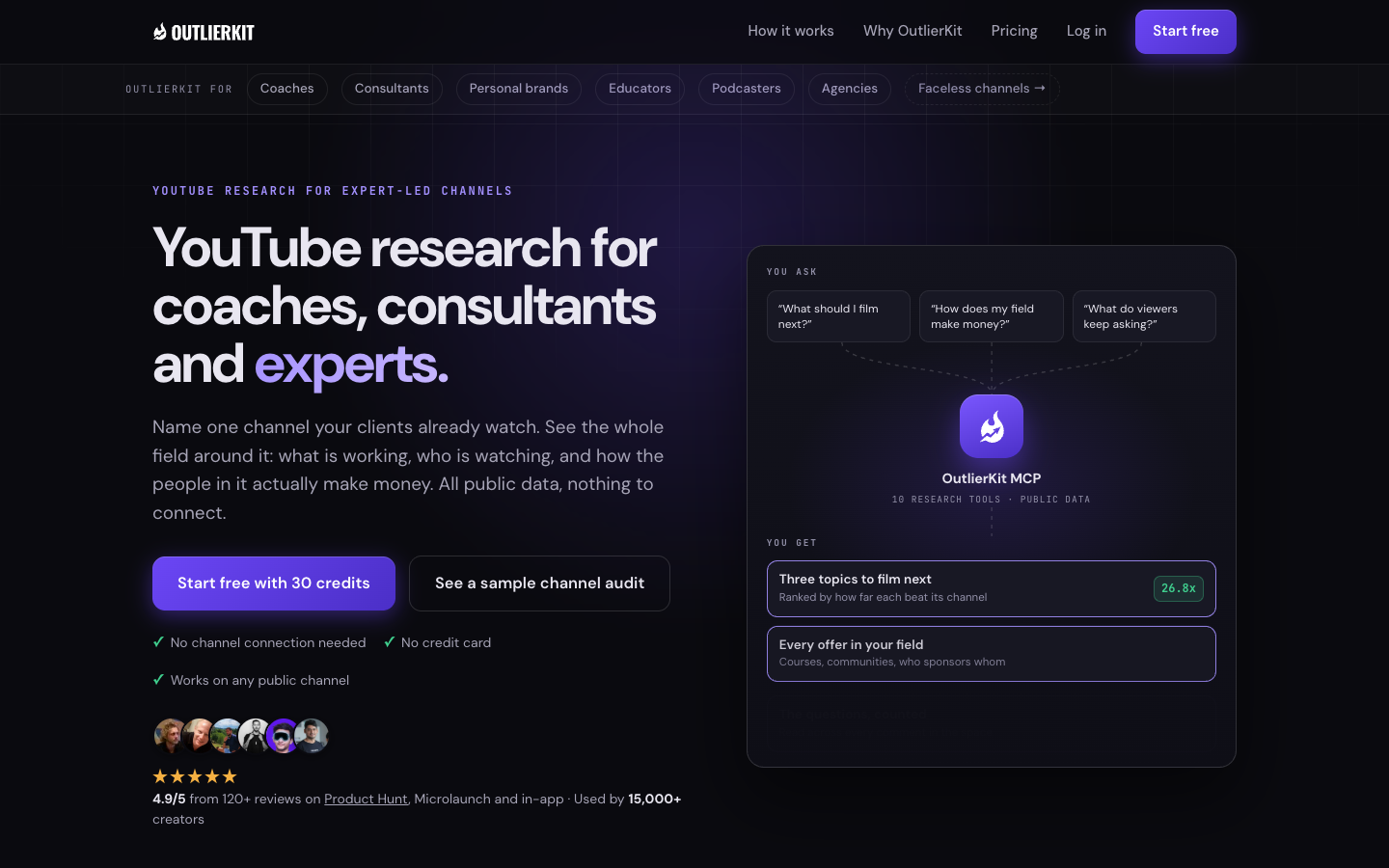
What it does: OutlierKit is YouTube research built for coaches, consultants and experts, and the same data works for a brand that wants to vet a channel. Outlier research ranks videos by how far each beat its own channel's average, so you see a creator's breakouts in one list. Channel analysis breaks down a channel's scale, upload cadence, format split and breakout videos. You can also search a topic, such as "home espresso" or "budget travel", and find smaller channels whose videos beat their size. That is a fast way to build a shortlist of creators who punch above their subscriber count.
Best for: Brands that want to know which videos actually held viewers on a channel, and which creators in a niche are growing now.
Watch out for: It covers YouTube only. It works from public data, so it does not show a creator's private analytics like watch time or audience retention. Ask the creator for a YouTube Studio screenshot if you need those.
Price: Hobby $49/mo, Pro $99/mo, Max $399/mo. The free trial gives 30 credits for 3 days with no card. Pro and Max add Competitor Studio, which includes sponsor intelligence on a niche.
2. Social Blade
What it does: Social Blade tracks daily subscriber and view totals for public YouTube channels. Type in a channel and you see how its views and subscribers changed day by day.
Best for: Spotting a channel whose views are falling, or a sudden jump in subscribers with no matching jump in views. That mismatch can point to bought subscribers or a dead audience.
Watch out for: It shows totals, not individual videos. You see that views went up, not which video caused it. Free history covers the last 30 days, and the cheapest paid plan keeps that cap.
Price: Free to search. Paid plans bill yearly, from Bronze at $59.99/yr.
3. Viewstats
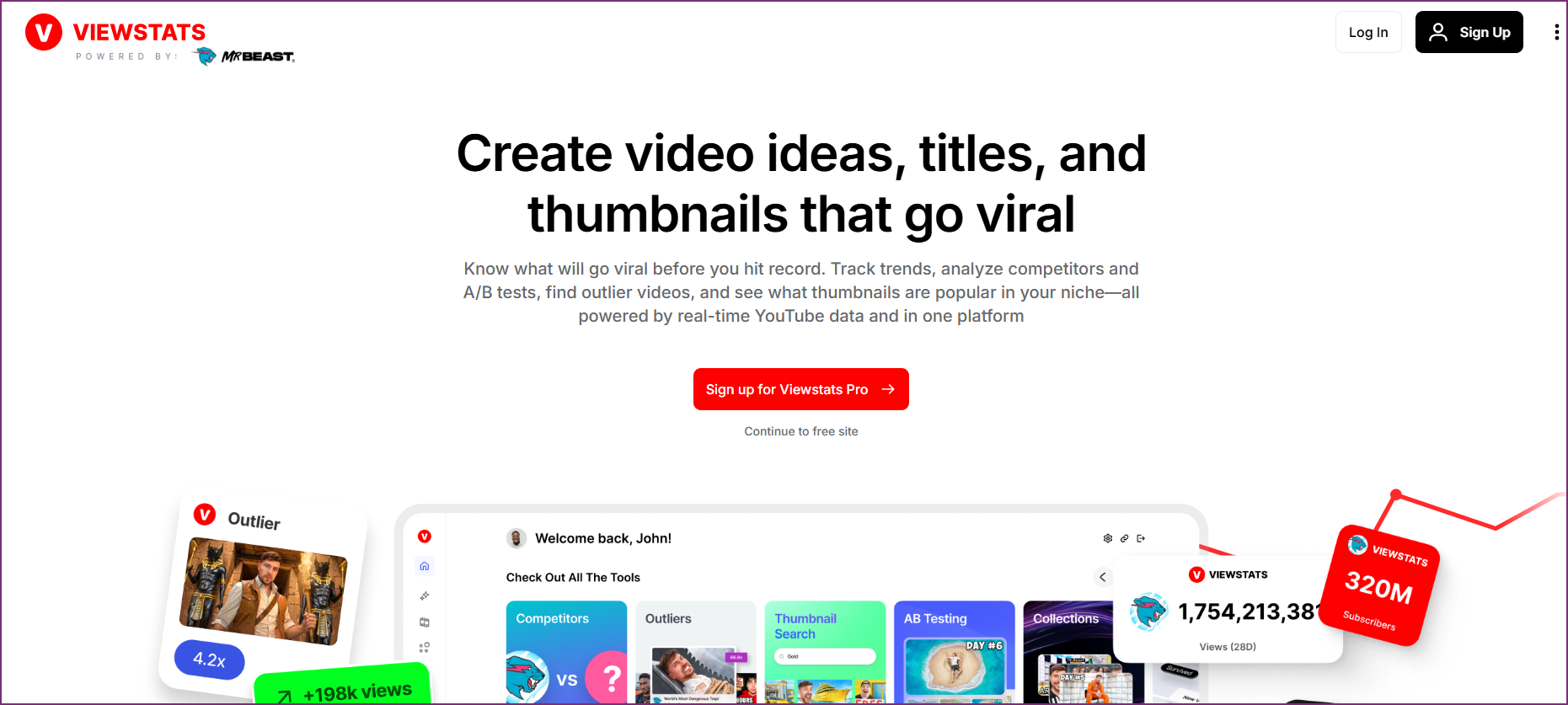
What it does: Viewstats is a YouTube analytics site with a free public side for channel and video stats. Viewstats Pro adds outliers, competitor tracking, alerts, saved collections and thumbnail search.
Best for: Brands that want clean charts of a channel's recent performance and a quick read on which videos outperformed.
Watch out for: The deeper research tools sit behind Pro. The Business plan is sold through a sales call.
Price: Pro $49.99/mo or $479.88/yr in the US. Business starts at $249/mo.
4. vidIQ
What it does: vidIQ is a YouTube growth suite for creators. Its Outliers feature gives each video an Outlier Score, which compares its views to the channel's typical views. It also shows views per hour, so you can see if a recent upload is still gaining.
Best for: Brands that want outlier scores while they browse YouTube through the browser extension.
Watch out for: It is built for creators growing their own channel, so many tools will not matter to a sponsor. The free plan shows up to 6 videos per Outliers search.
Price: Free plan. Boost $199/yr. Max $468/yr.
5. HypeAuditor
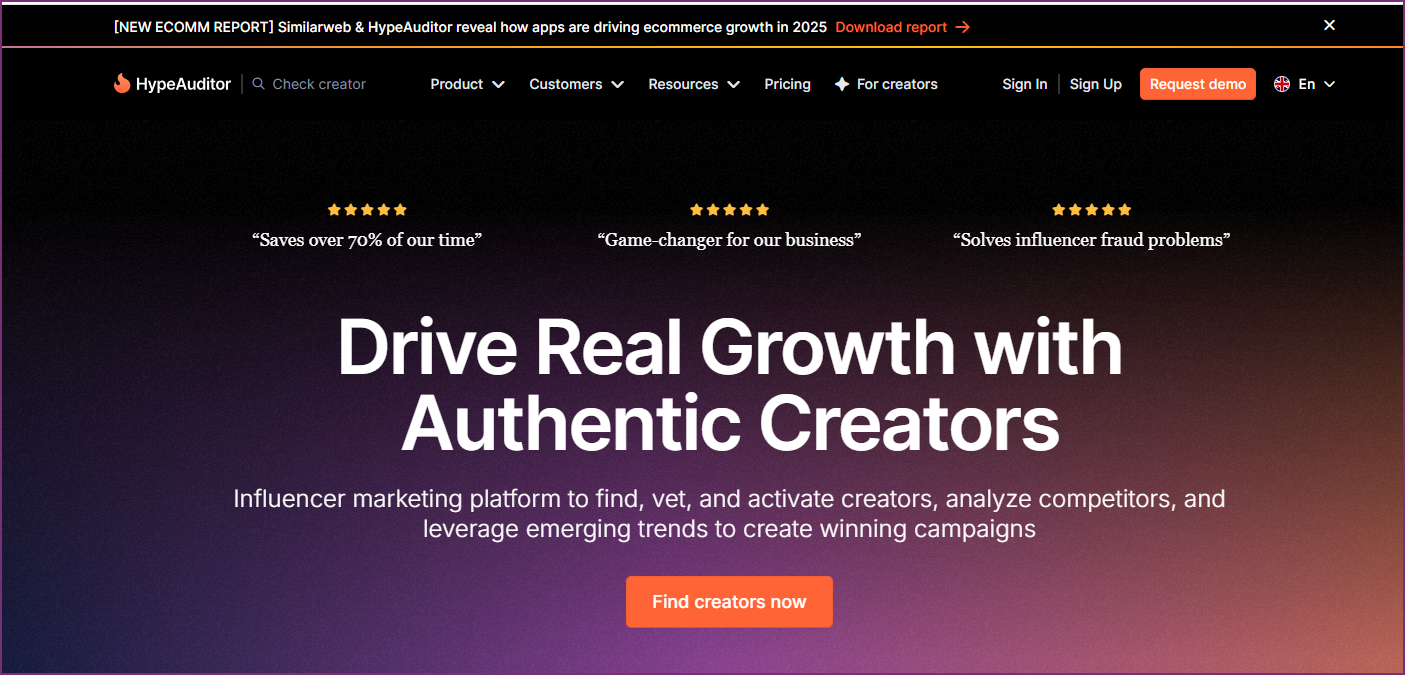
What it does: HypeAuditor is an influencer marketing platform for brands and agencies. Its YouTube reports give a Channel Quality Score from 1 to 100, which combines influence, audience quality, credibility and engagement. Its free YouTube quality checker compares average views per video with subscriber count, which is the same median test in a ready-made form.
Best for: Brands that want a fraud and audience quality check before a bigger deal.
Watch out for: Full audience demographics sit in the paid advanced report. Plans are sold through a demo, with no public price list.
Price: Not listed publicly. Free tools and demo versions are available.
6. Modash
What it does: Modash is an influencer discovery and management platform for Instagram, TikTok and YouTube. Its discovery search shows audience location, demographics, interests and quality for each creator.
Best for: Brands that sponsor many creators a month and need to check that each audience matches the country and age group they sell to.
Watch out for: It is priced for teams running ongoing programs, not for a one-off sponsorship.
Price: Essentials $199/mo and Performance $499/mo, both billed yearly. Enterprise is custom. The 14-day trial needs no card and includes 20 profile views.
7. NoxInfluencer
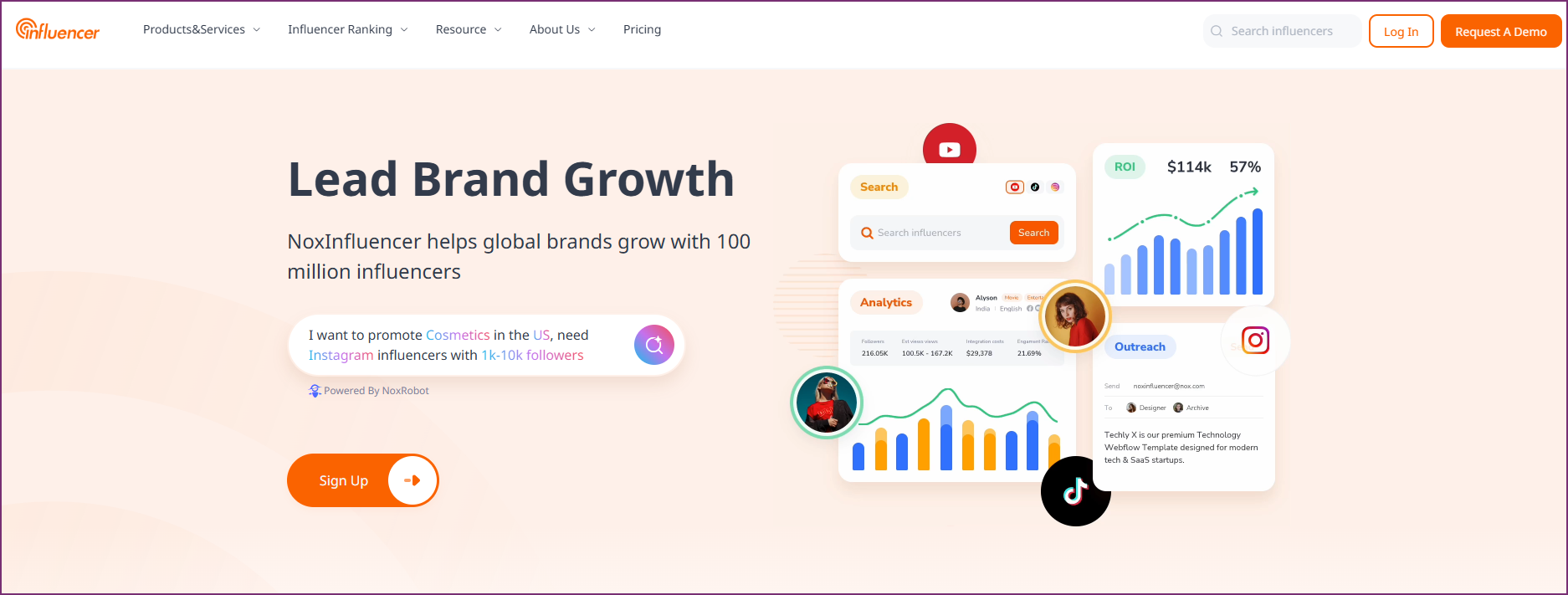
What it does: NoxInfluencer offers YouTube channel analytics with tabs for overview metrics, audience demographics, content performance and past brand collaborations. Channel pages also show an estimated cost for a sponsored video.
Best for: Getting a rough market price to compare against a creator's quote, and seeing which brands they worked with before.
Watch out for: The estimated cost is a model, not the creator's real rate. Check it against your own cost per 1,000 views from the median.
Price: Business $1,499 per quarter or $3,899 per year. Enterprise $7,999 per year. Registered users get free creator search, channel analytics and tools like the YouTuber Calculator.
A 5-step check before you pay a creator
- Pull the last 10 to 15 long-form videos. Skip Shorts. They get counted differently and inflate the picture.
- Find the median. This is your expected view count for the sponsored video.
- Look for recent breakouts. Run the channel through an outlier tool. Two or three breakouts in the last six months is a good sign. None in two years is a warning.
- Check the trend and the audience. Use Social Blade or Viewstats to confirm views are steady or rising. Use HypeAuditor or Modash if the audience's country and age matter to you.
- Price it. Divide the creator's fee by the median, then multiply by 1,000. Compare that cost per 1,000 views across your shortlist, and pitch a video topic close to one of their breakouts.
When nano and micro creators apply to your offers, this check takes about 15 minutes per creator and saves you from paying for an audience that no longer watches.
FAQ
What is a good view to subscriber ratio for a sponsored creator?
There is no single rule, because it varies by niche. Compare creators in the same niche, and favor the ones whose median views are a higher share of their subscribers.
Why use median views instead of average views?
One viral video can push the average far above a normal upload. The median shows what a typical new video gets, which is what your sponsored video will most likely get.
Can I check a creator's watch time or retention myself?
No. Those numbers are private to the creator's YouTube Studio. Ask for a screenshot of their analytics for the last 90 days.
Are small creators worth sponsoring?
Often, yes. A small channel with steady breakouts can deliver more views per dollar than a large channel with a fading audience.
About the author: Aditi researches what makes YouTube videos break out for coaches, consultants and expert-led channels, and publishes data-backed channel breakdowns and tool comparisons at outlierkit.com/resources.